
Video built for where the listing will be seen.
Horizontal property films, vertical social videos and agent-led content serve different jobs. Choose the format that fits the property, the audience and the place it will be published.
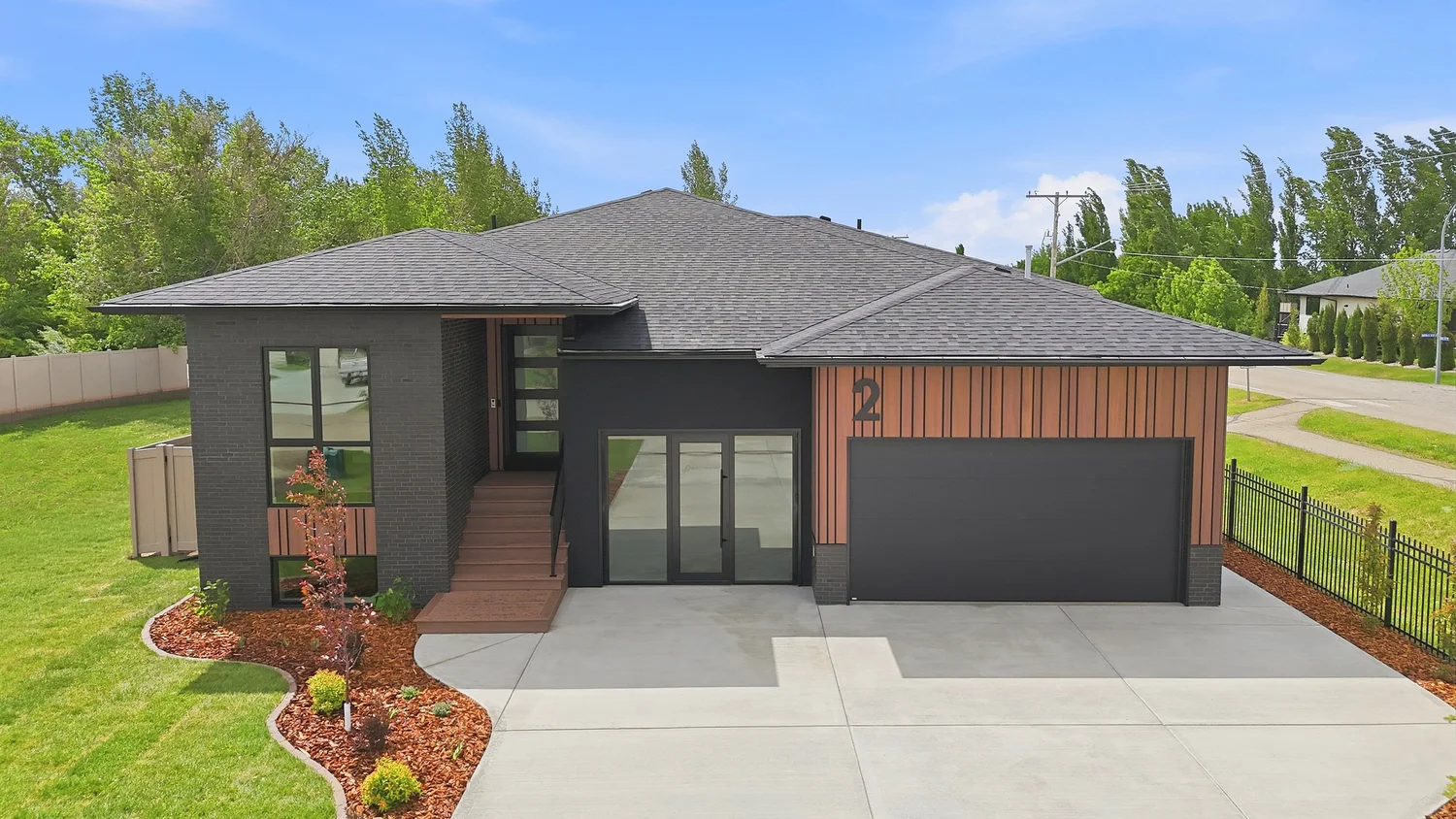 ▶ Play current examples
One format cannot do everything well.
A wide listing film gives buyers room to understand layout, movement and setting. A vertical edit is composed for a phone screen and a faster social context. An on-camera introduction adds the Realtor’s voice when that strengthens the plan.
The objective is not to order every format by default. It is to select the video that has a clear job.
Property story or social entry point?
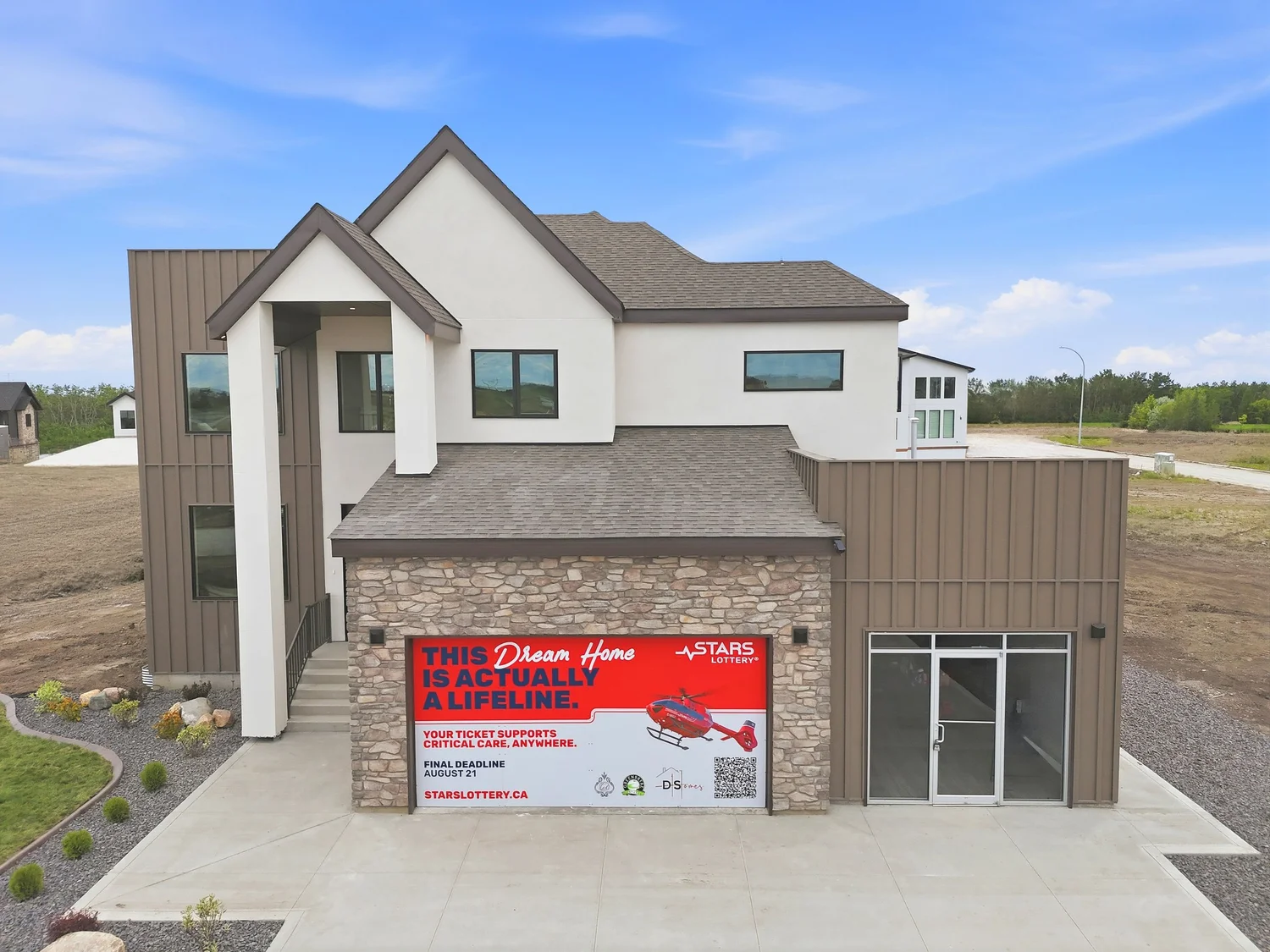
Give buyers the fuller property story.
Connect rooms, exterior spaces, architectural details and—when conditions allow—drone footage into one considered sequence.
- Property websites and listing pages
- YouTube and landscape screens
- Homes where flow, scale or setting matters
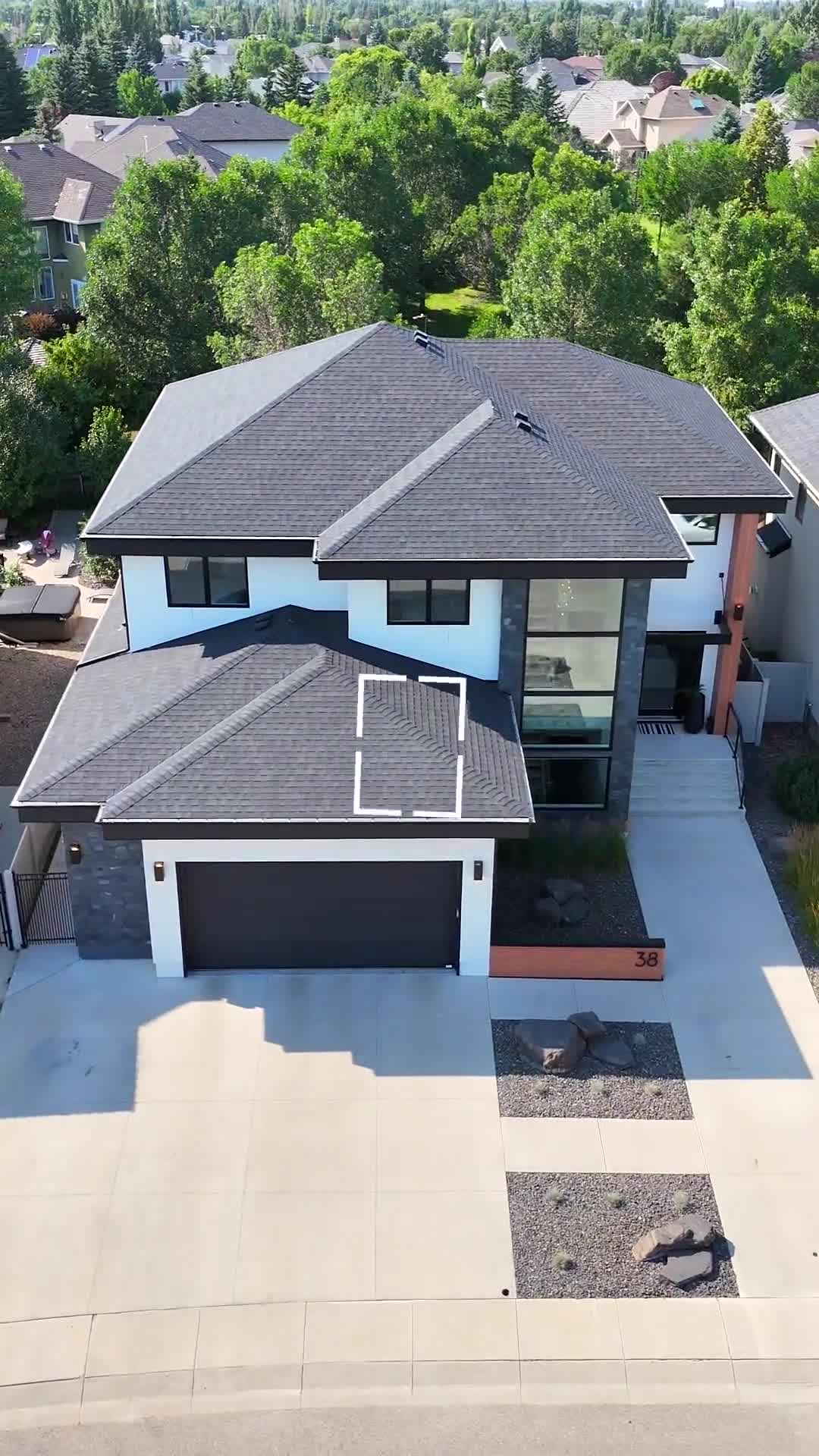
Build for the way people scroll.
Composition, pacing and shot selection are planned for the taller frame instead of cropping a horizontal film after the fact.
- Instagram Reels
- TikTok and YouTube Shorts
- Fast, focused listing introductions
Let your presence support the property.
An agent-led opening can connect the home to the Realtor’s own marketing when being on camera serves a clear purpose. Scott can help shape concise talking points, provide a wireless microphone, guide delivery and capture additional takes.
- Short introductions and transitions
- A closing invitation or next step
- Approved narration confirmed before capture
- A property-only edit when that is the better choice
The tone stays informed and natural, while the property remains central.
Match the video to its destination.
Listing page
Use horizontal video to explain flow, scale and setting.
Social feeds
Use vertical video for a concise, phone-native introduction.
Realtor channels
Add an agent-led format when expertise or presence adds value.
Coordinated launch
Use both only when each format has a distinct destination.
Choose with confidence.
Start with where the video will be published and what the viewer needs to understand.
Ask Scott which format fits →See the formats in context.
Playback begins only after you choose an example. Examples do not autoplay.

One accountable process.
Define the destination
Decide whether the video belongs on a listing page, property website, YouTube or a social feed.
Choose the format
Select horizontal, vertical, agent-led or an approved combination based on the marketing job.
Plan the story
Share important features, seller considerations and whether the Realtor will appear.
Capture the property
Video is coordinated with the listing-media appointment. Drone is captured only when selected and conditions permit.
Edit for the destination
Pacing, composition and delivery format match the approved use. Licensed music is used when included.
Receive the files
Media is delivered by noon the next day.
Clear answers before filming.
Should I choose horizontal or vertical video?
Choose horizontal when buyers need a fuller property story on a listing page, property website or YouTube. Choose vertical when the main destination is a mobile social feed. Order both only when each has a distinct job.
Does the Realtor need to appear on camera?
No. Property-only video remains appropriate. An agent-led introduction is useful when the Realtor’s presence strengthens the message.
Can drone footage be included?
Drone footage may be added when selected and when airspace, weather, permissions and safe conditions allow it. Scott is a Transport Canada–licensed drone pilot.
Can you help with what I should say?
Yes. Scott can help shape concise talking points, guide pacing and capture additional takes. The approved approach should be confirmed before filming.
Is music licensed?
When music is part of the approved edit, it is selected from licensed music libraries.
When will the video be delivered?
Media is delivered by noon the next day.
Will video guarantee more views or leads?
No responsible provider can guarantee a specific number. The goal is the right format for the intended audience and a professionally produced piece of listing media.
Add the right video, for the right reason.
Scott plans, captures and delivers the work directly—giving the Realtor one experienced local provider accountable for the result.
Full-time since 2012 • 10,000+ properties photographed • PFRE Photographer of the Year 2024 • Transport Canada–licensed drone pilot
Practical questions and next steps
Reviewed October 7, 2026. Confirm your order’s services, timing and usage terms before booking or publishing.
Should I choose vertical or horizontal property video?
Choose horizontal video for a fuller property story on a listing page, property website or landscape screen. Choose vertical video for a phone-based social feed. Different compositions serve those uses better than indiscriminate cropping. Order both when each has a defined destination, and share the publishing plan before filming so the footage fits the intended use.
How long should a listing video be?
Length should follow the story and destination. A social introduction should communicate one useful idea quickly; a property film may need more time to connect rooms and explain setting. Remove repetition rather than extending a video to reach a target duration. Confirm the intended platform, required versions and important features before production.
Should the Realtor appear on camera?
The Realtor does not need to appear. An on-camera introduction can add a recognizable voice when it supports the agent’s campaign, while a property-only edit keeps attention on the home. Prepare short, factual talking points and a clear closing invitation if appearing. Confirm the format and any branded and unbranded versions before the appointment.
When is narration useful in a property video?
Narration helps when it explains something the viewer cannot infer, such as room flexibility, verified materials or how an outbuilding is used. Avoid repeating every visible feature or making unsupported neighbourhood claims. Review facts and pronunciation beforehand, and decide whether an agent’s voice, approved voiceover or captions best suits the planned destination.
What is the difference between a walkthrough and a cinematic video?
A walkthrough prioritizes how spaces connect in a guided sequence. A cinematic treatment uses selected movement, details and pacing to communicate atmosphere and design. A photo animation is a separate product, not footage of a filmed walkthrough. View examples for the exact format and confirm whether layout clarity, mood or a short social introduction is the main objective.
Can photos be turned into reels without recording a video shoot?
Yes. Suitable listing photographs can become a reel through image sequencing, animation and text. This is different from recording a walkthrough: it cannot document real movement through the rooms or invent a reliable view beyond the source image. Confirm the photo-based product and available formats before ordering, and review any animation for changes to permanent features.
Is a short video useful for a small starter home?
A small starter home can suit a short video when it has a clear social destination or a useful feature to explain. Price and size alone do not decide whether video is worthwhile. Strong photos and a plan may be enough. Identify the audience, publishing channel and message before choosing the format, rather than ordering video automatically.
What should be ready before an agent-led video appointment?
Have the property prepared, confirm the planned format and write short factual talking points before an agent-led appointment. Review names, features and any claims, and decide how the introduction and closing invitation should sound. Arrive ready for the agreed capture window and flag any microphone, access or privacy considerations beforehand. Confirm required branded and unbranded versions in the brief.
Book the media for your listing · Explore customer resources