Virtual Staging Rules for Saskatchewan Realtors
What virtual staging rules should Saskatchewan Realtors follow?
Keep virtual staging truthful: add temporary furniture and decor without hiding damage or changing permanent property features. Clearly distinguish the staged concept from the actual room and retain the original image. Saskatchewan advertising duties and receiving-platform rules are separate checks. Review the SREC bylaws and your brokerage’s current requirements before publishing an altered image.
Why virtual staging needs an accurate original
Virtual staging can illustrate how a vacant living room, bedroom, dining area or home office might function. It is still advertising, so a realistic-looking edit must also give an accurate impression of the property. Keep the original photograph and review both versions before publishing.
Saskatchewan advertising duties
The February 2026 SREC bylaws address advertising accuracy, owner authorization and broker approval. Bylaw 726 prohibits false, inaccurate or misleading advertising; 727 requires written owner authorization; and 729 requires salespeople and associate brokers to submit advertising for broker or branch-manager approval. These provisions do not prescribe a universal virtual-staging label. Check platform and brokerage requirements separately.

Accuracy and review responsibilities
Bylaw 701 addresses untrue or omitted material facts in statements and documents. Bylaws 714 and 715 require reasonable steps to discover property facts to avoid error, misrepresentation or concealment. These duties support careful review of staged images and listing copy; they are not a technical editing manual.
For a disputed interpretation or complex situation, consult your broker, the Saskatchewan Real Estate Commission or qualified legal counsel. Review receiving-platform requirements before uploading.
Appropriate uses of virtual staging
Limit furnishing concepts to movable furniture and decor that help explain an empty room. A vacant living room can be shown with a sofa, coffee table, rug and artwork to illustrate a possible arrangement, with the staged version clearly distinguished from the actual space. The result should preserve the room’s permanent features and condition.
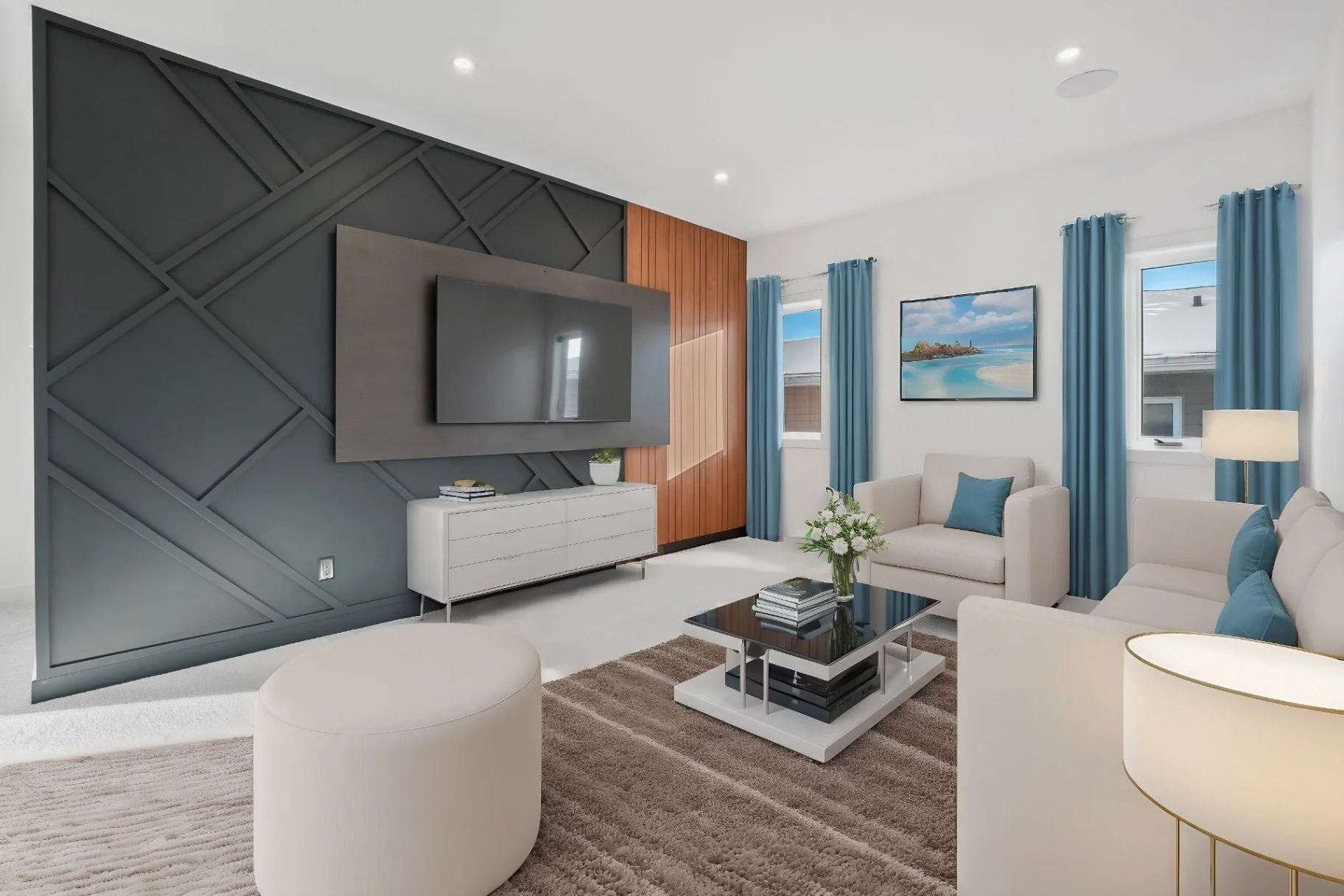
Showing a possible use for a flexible room
An unused room may be presented as a home office, reading room or guest bedroom, provided the image is described as a concept and does not imply that the room has features it does not have.
Adding restrained décor
Rugs, lamps, artwork, plants and other temporary decorative items can help communicate scale and use.
Offering more than one design direction
For a vacant new-construction property, a modern or traditional furniture option may help communicate possibilities.
What Virtual Staging Should Not Change
The line is crossed when an edit changes a material fact or conceals a condition that a viewer may reasonably rely on.
Avoid digitally:
Adding a fireplace, window, door, built-in cabinet or other permanent feature that does not exist
Removing water damage, cracks, mould, stains or signs of structural concern
Changing the number or apparent size of rooms
Altering ceiling height, window placement or the property’s layout
A virtually staged room should not replace an honest view of the actual property.
When Should an Image Be Labelled “Virtually Staged”?
A clear label is one of the simplest ways to reduce confusion.Saskatchewan’s Bylaws do not appear to prescribe one universal label format for virtual staging.
Practical options include:
Adding “Virtually Staged” directly to the image
Including the disclosure immediately beside the image in the listing description
Using the platform’s designated image or caption field
Repeating the disclosure when the image is shared on social media, a property website or a digital advertisement
Do not assume that a disclosure on one platform automatically follows the image everywhere else.
Why You Should Keep the Original Image
The original, unaltered photograph should remain part of the listing’s media record.
For a vacant room, a transparent presentation might include:
The original photograph
The virtually staged version
A clear label identifying the staged version
A written explanation that the furniture and décor are digital additions

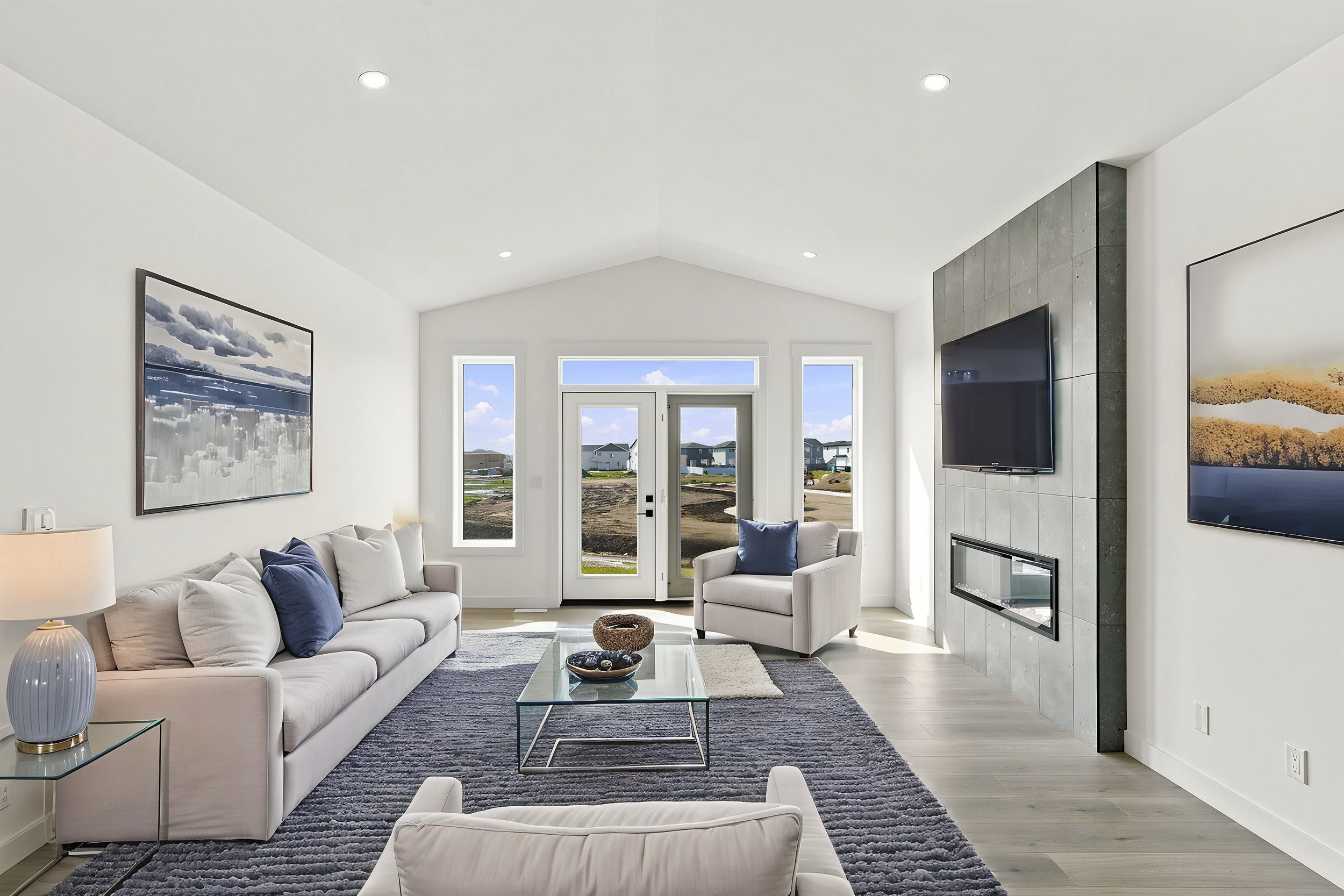
Showing the original alongside the staged version supports transparency and helps you check the edit. Confirm the receiving MLS, brokerage and platform requirements; showing both versions is practical advice, not a universal rule stated here.
AI-written descriptions need human verification
AI-generated copy can introduce details that were never supplied. Check room counts, renovations, square footage, views, finishes and amenities against reliable property information. Remove unsupported superlatives and promises. A draft should be reviewed by the Realtor before publication.
Pre-publication image checklist
Save the original image. Confirm that only temporary furniture or decor is added and that permanent features, room shape, scale and layout remain accurate. Check the required disclosure and ensure it stays with the image when shared elsewhere.
Pre-publication written-content checklist
Verify room counts, measurements and features against the listing records. Check AI-assisted claims against reliable property records or confirmed seller information. Obtain the required advertising approval before publishing.
Choose an accurate media plan
Virtual staging can help explain an empty room, a flexible space or a possible furnishing concept. Ask Scott about selected images and virtual staging options, or review the Virtual Staging service page. For a broader listing media plan, start with the Real Estate Media Guide.
Do virtually staged images have to be labelled?
Use the disclosure method required by your MLS, brokerage and advertising platform. A clear label and access to the original image help viewers understand that the furnishings are digital additions. Check the requirements before uploading.
Can I remove clutter or defects digitally?
Do not conceal material defects or change the apparent condition of the property. Prepare the room before capture wherever possible and review any proposed removal with your brokerage before publishing.
Should I show the original image beside the staged version?
Keeping and, where appropriate, showing the original beside the staged version supports transparency. Confirm the applicable platform and brokerage requirements and retain both versions with the listing records.
Can I use ChatGPT to write a property description?
AI can help draft copy, but the Realtor should verify every factual statement before publication. Do not publish invented features, inaccurate measurements or unsupported promises.